Clean, simple notes.
Nothing more.
Notable is a clean and easy-to-understand notes app. It costs nothing, works offline, and has no adverts to distract you. Your notes stay on your device — no accounts, no cloud, no fuss.
Notable costs nothing. No subscription, no in-app purchases, no hidden fees.
Notable doesn't rely on any cloud services for storage. It works just as well when you're offline — on a plane, for instance.
There are no adverts to distract you while you write. Just a clean, focused space for your thoughts.
Lock Notable so only you can open it, using your biometric or PIN. Keeps prying eyes away from your private notes.
Listen to your notes read back to you. A great way to catch typos and awkward grammar before you share.
Share notes to email, WhatsApp, SMS, Facebook, and more using the standard Quick Share feature on your phone.
Add photos to any note by taking a picture or choosing one from your gallery.
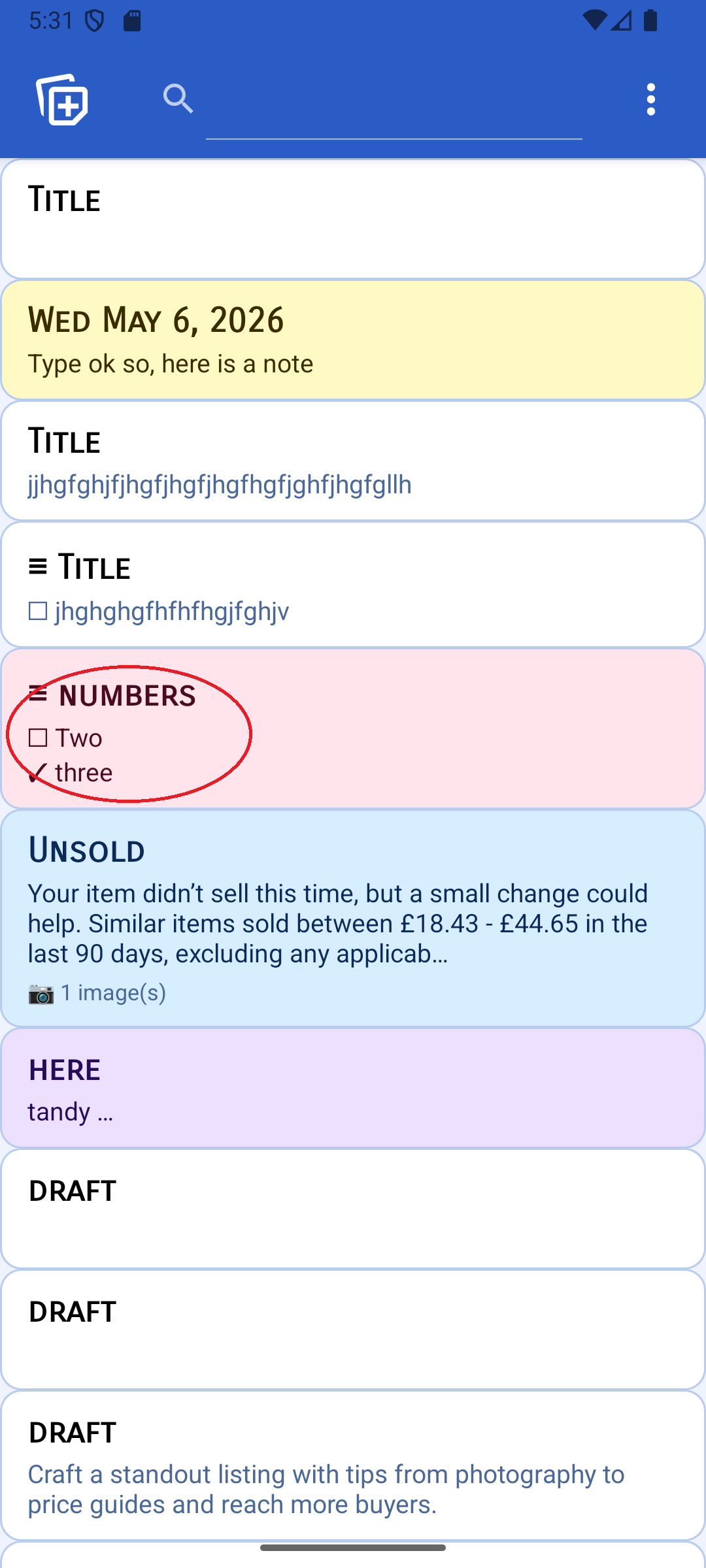
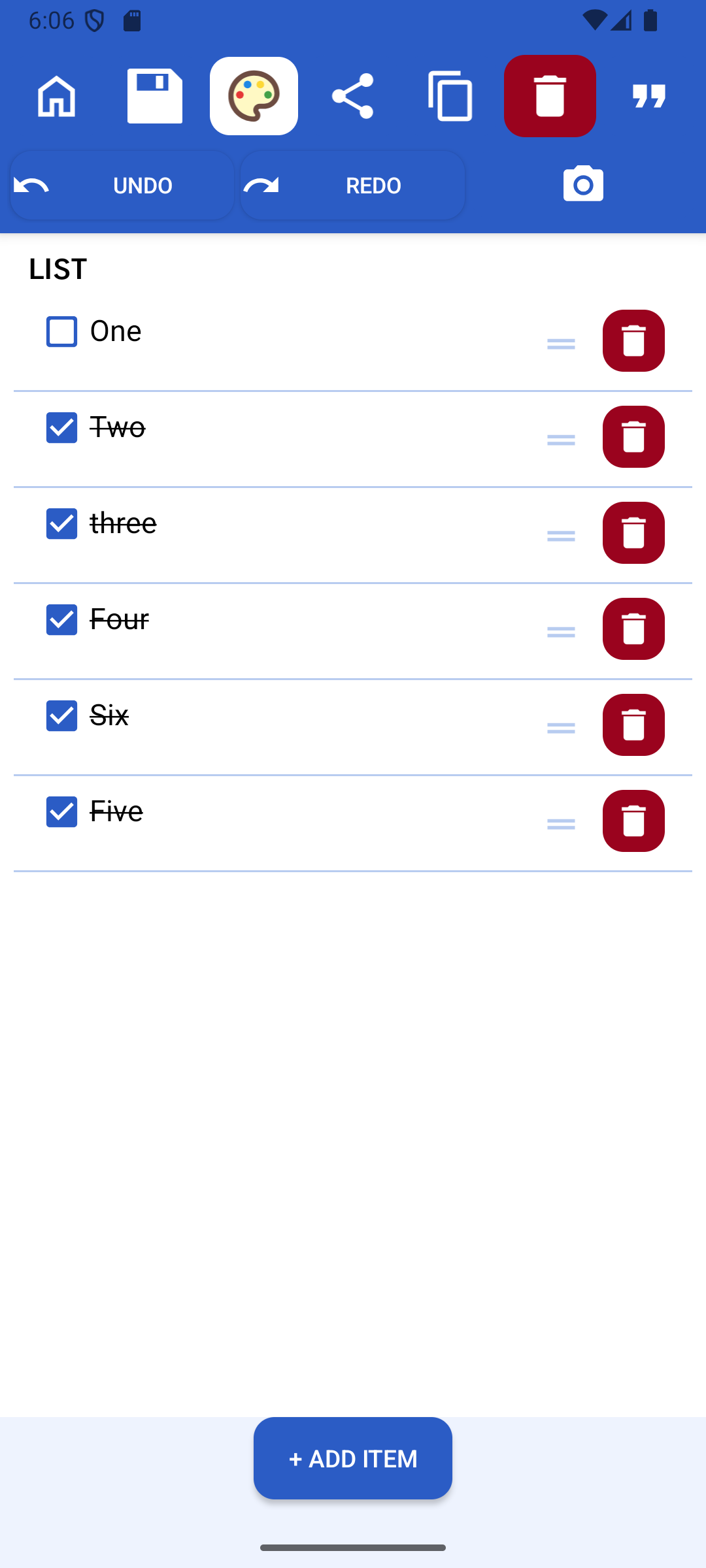
Create to-do-style lists with tick boxes. Re-order items by dragging. Lists also support images, sharing, undo, and autosave.
Easily undo and redo changes while you edit, so you can write without worrying about mistakes.
Every change is saved automatically. Put your phone down mid-note and your last edit will be waiting when you come back.
Notable can periodically show thought-provoking quotes. The frequency can be turned right down or switched off altogether.
Back up your notes to a zip file and store it anywhere — your cloud drive, a USB stick, anywhere. Restore in seconds on any device.
Your notes, front and centre
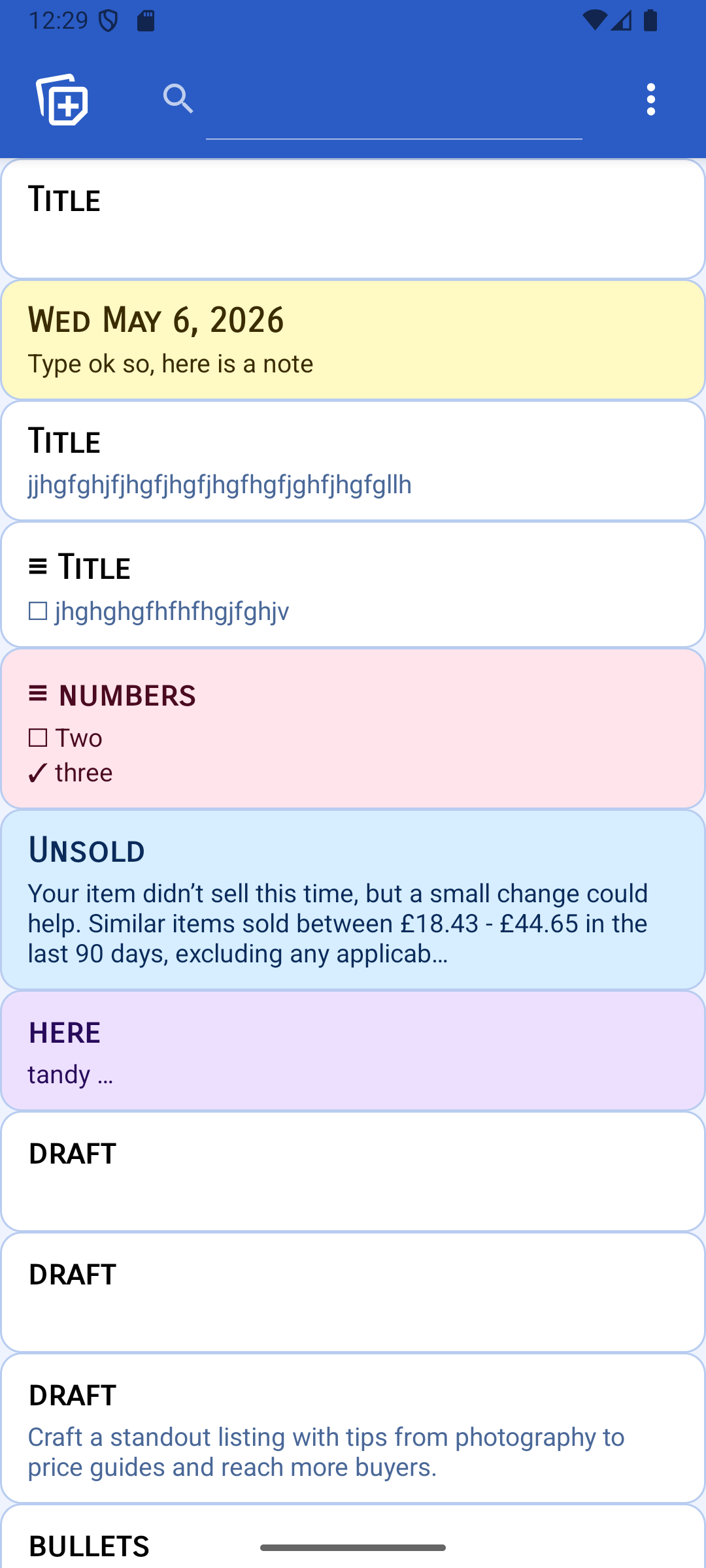
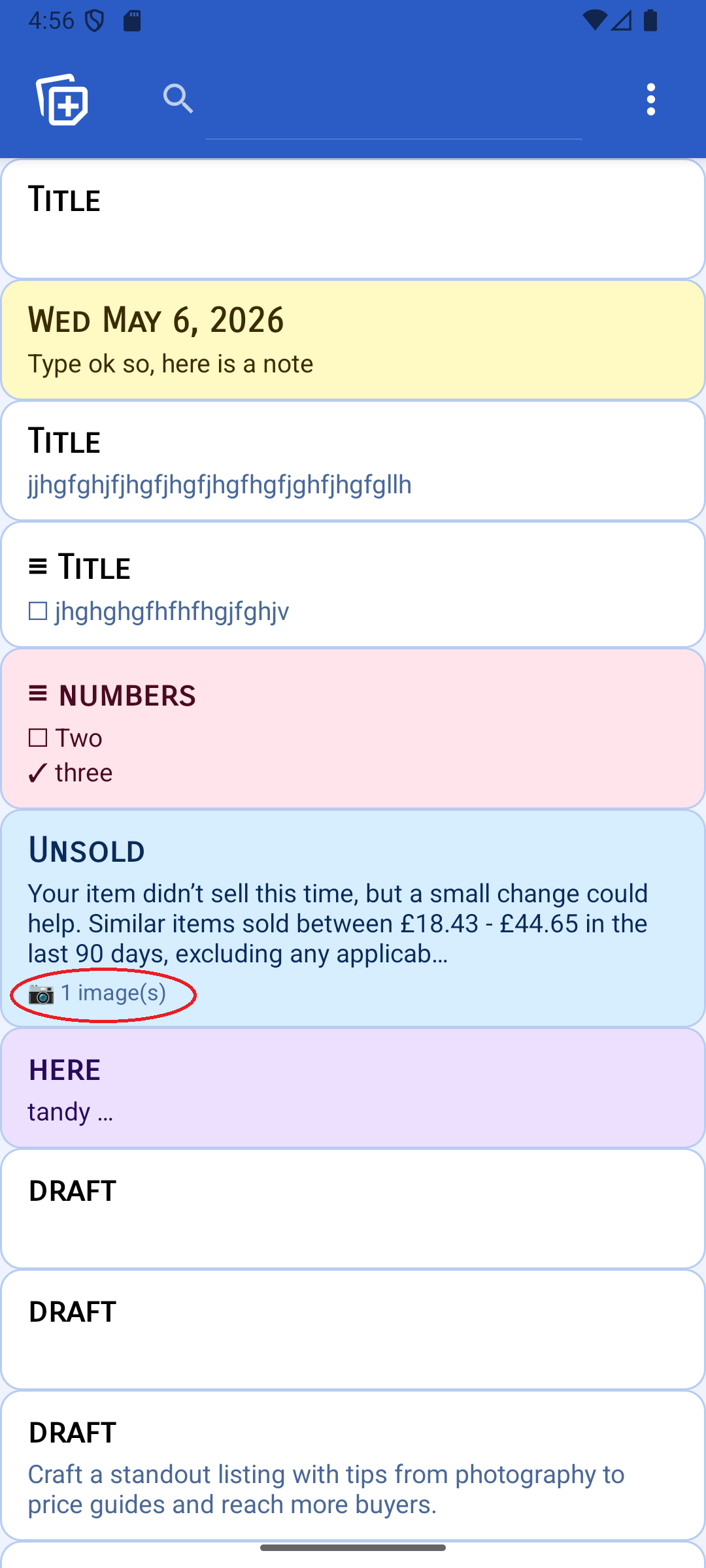
A clean, simple list of all your notes. Plain notes, coloured notes, lists, and notes with attached images are each represented differently so you can tell them apart at a glance. Tap the search icon to filter by keyword, or order by title, date created, or date last modified.
Notes & Lists
Notable supports two types of content. Notes are -form text — great for drafting messages, jotting ideas, or saving anything you want to read back later. Lists are to-do-style notes where items can be ticked off as you go and re-ordered by dragging. Both types support images, undo and redo, autosave, and sharing.
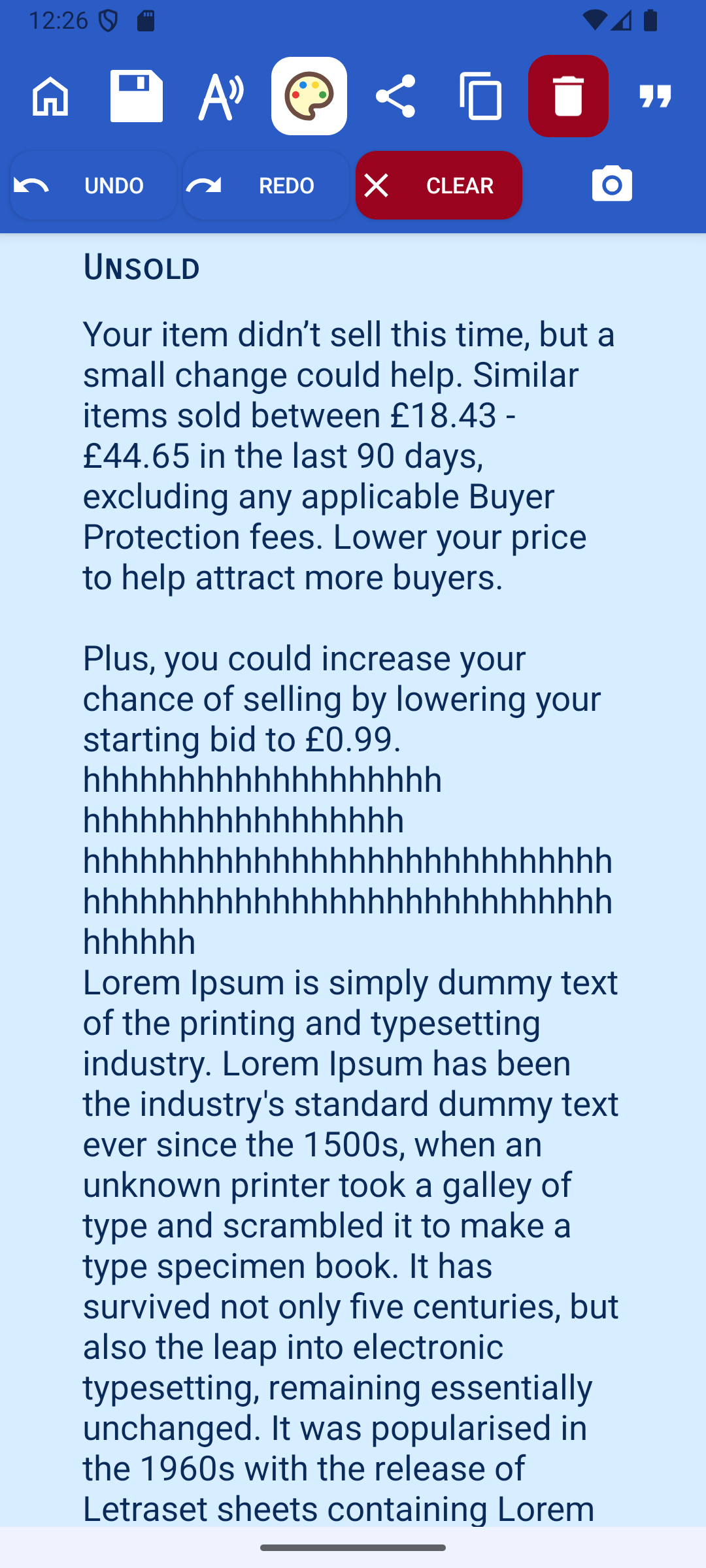
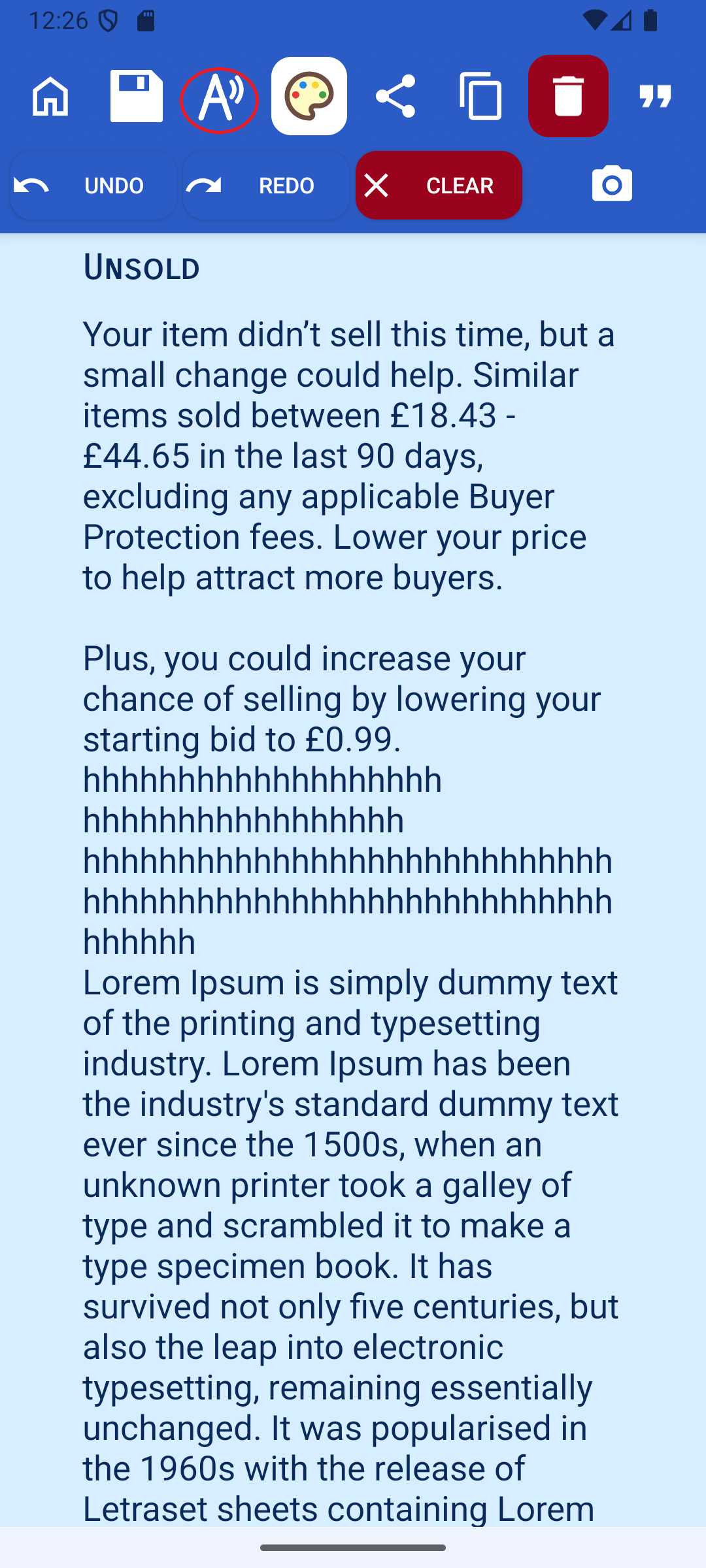
Read Aloud
Read Aloud is a great way to pick up typos and awkward grammar in long text or WhatsApp messages. The feature is optimised for efficient editing — you can stop and restart the reading at any point in the message, making it easy to jump back to a problem section and fix it.
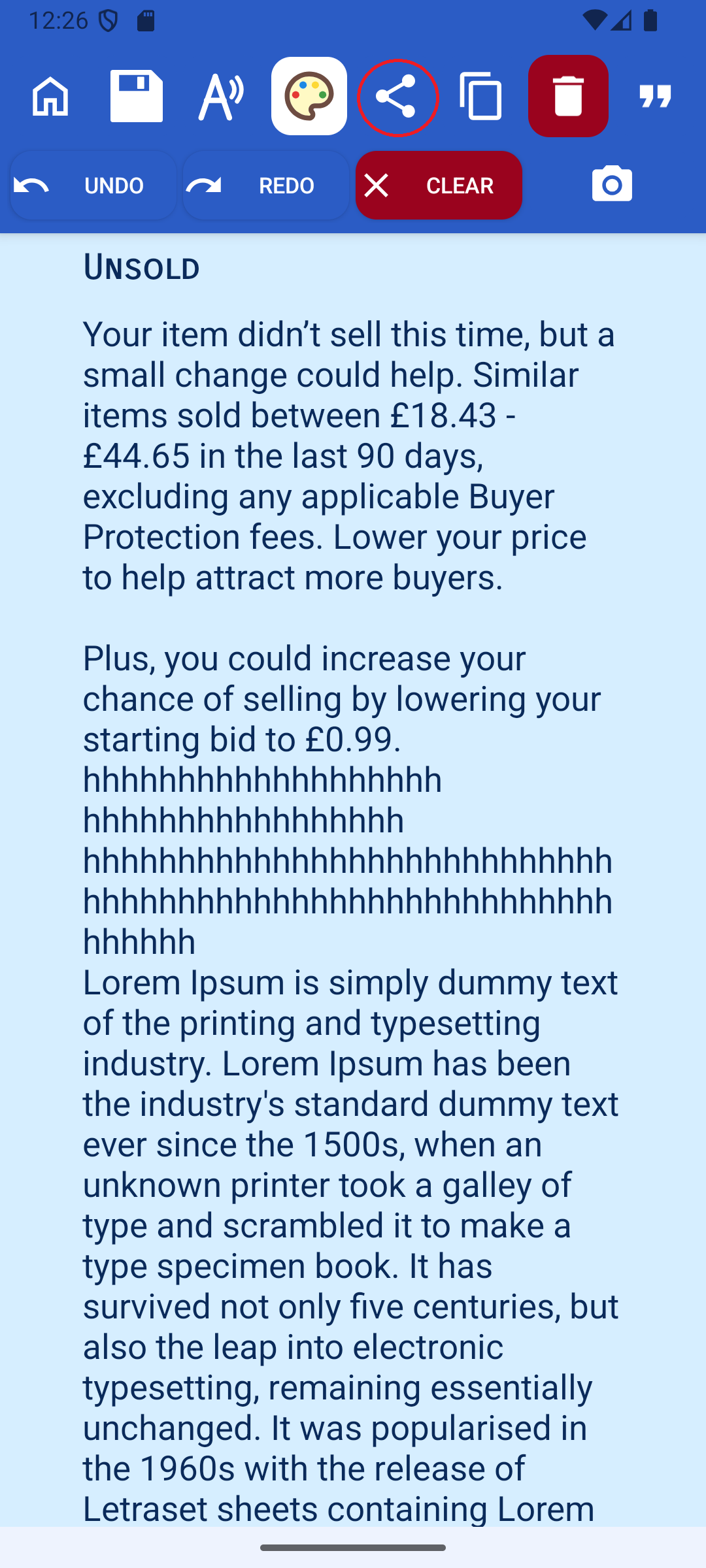
Share your notes anywhere
Once you have finished crafting the perfect, error-free note, share it however you like. The sharing feature sends your note to email, WhatsApp, SMS, Facebook, and many more services using the standard Quick Share feature on your phone.
Undo, Redo & Autosave
The note editor lets you easily undo and redo changes as you go. Every edit is saved automatically, so if you have to put your phone down mid-sentence — or it runs out of battery — your last changes will be safely waiting when you return.
Pictures in notes
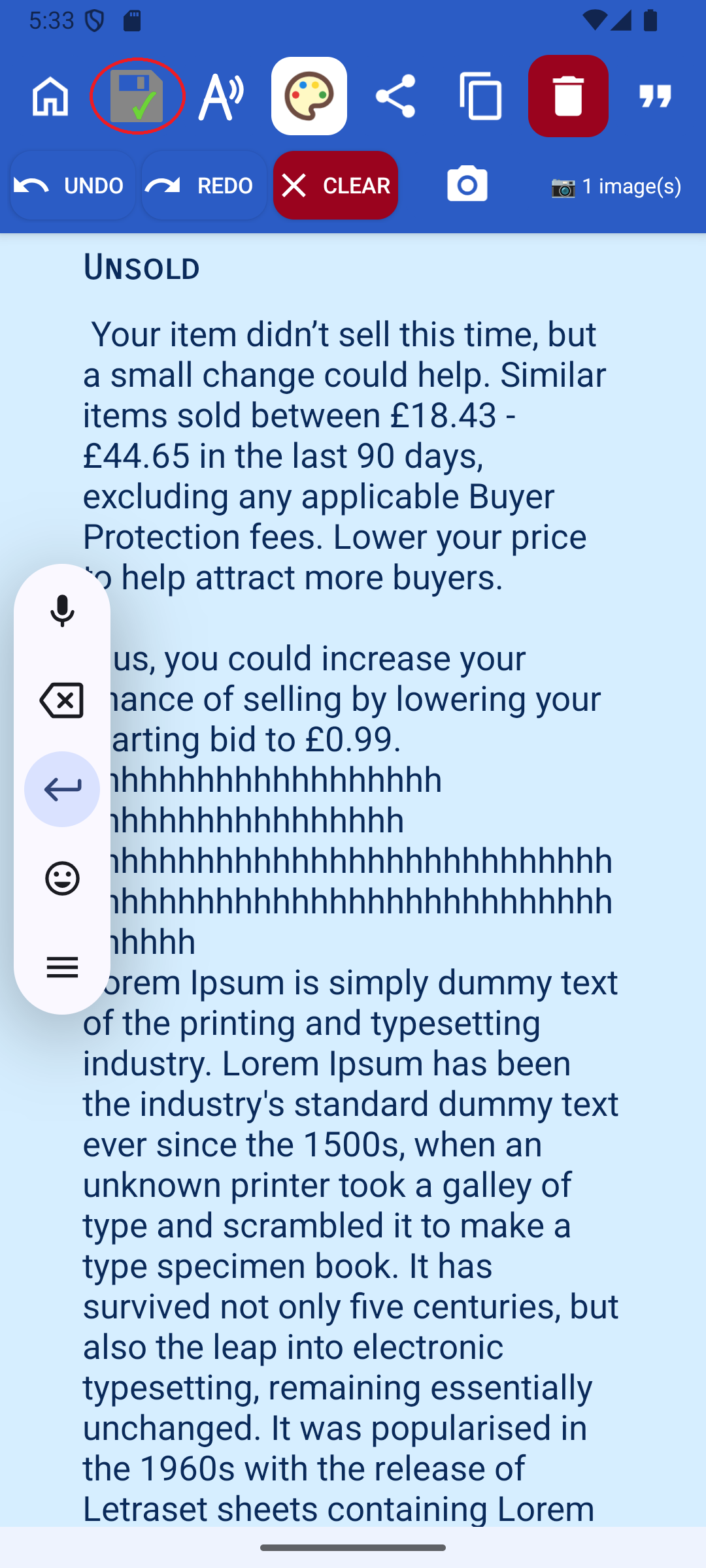
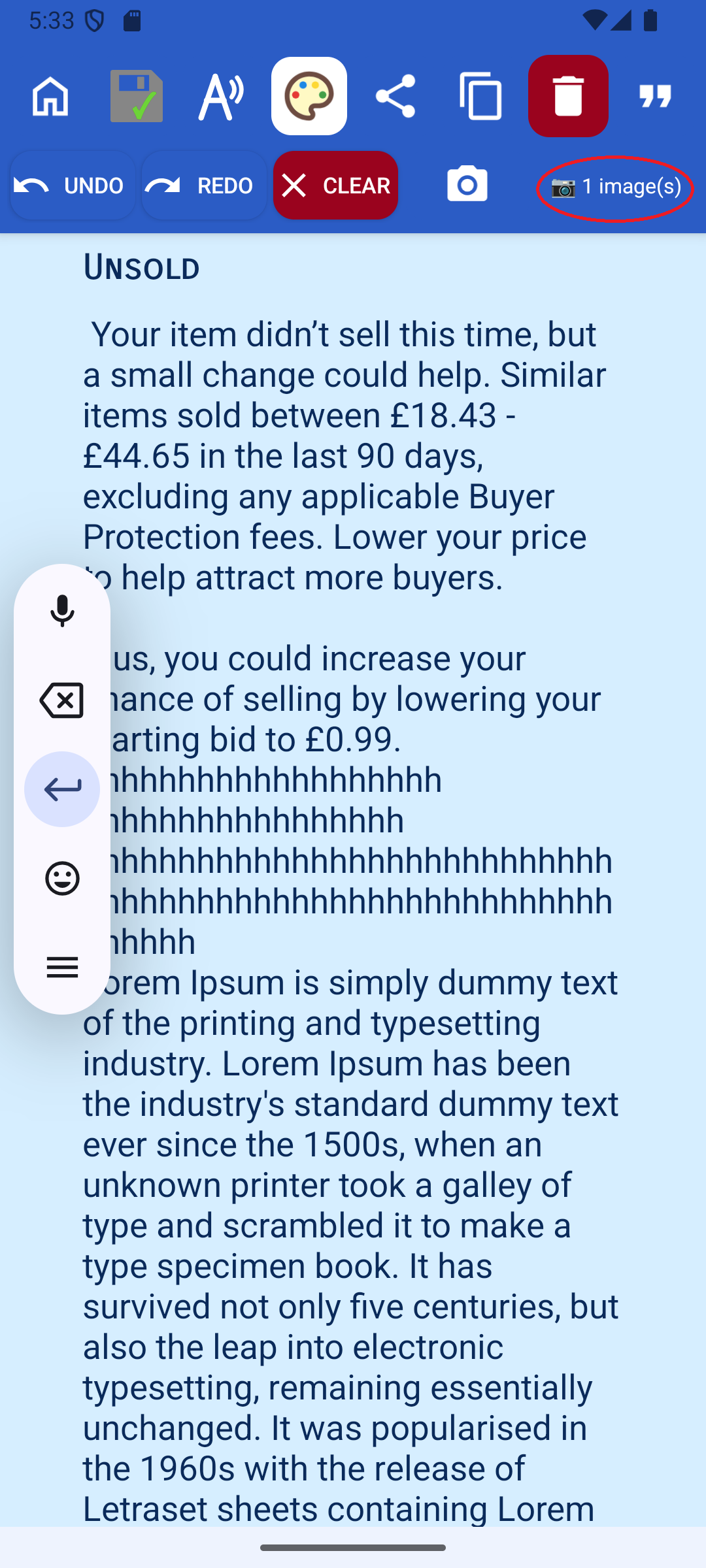
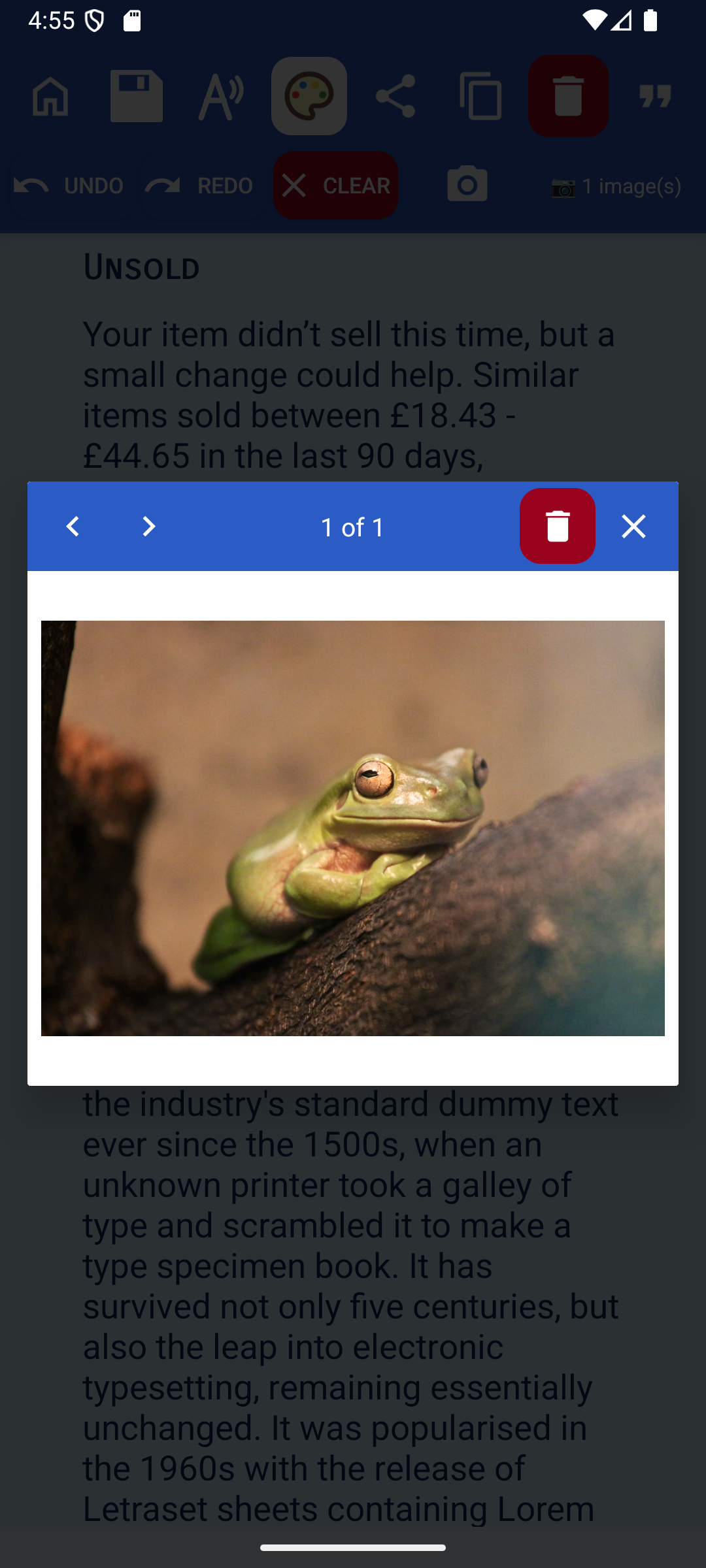
You can add pictures to your lists or notes, either by taking a photo or adding one from your gallery. This is a quick way to capture information — sometimes it is faster to take a photo than to type everything out. Tap any attached image to open a full-screen carousel where you can scroll through all the images in that note.
Thought-provoking quotes
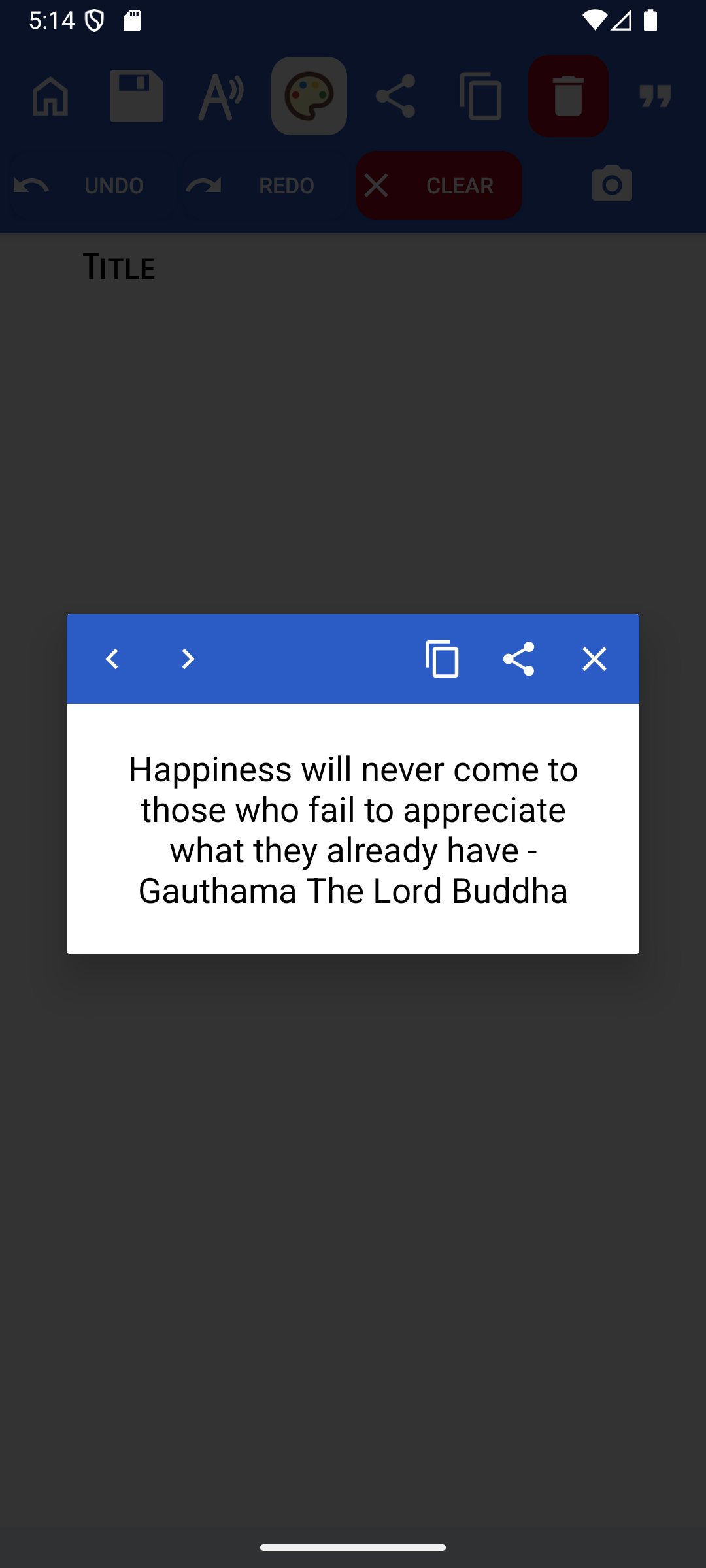
Notable can be configured to periodically show thought-provoking quotes — a small moment of inspiration as you work. The frequency can be turned right down or switched off altogether, so it never gets in the way.
Back up your notes safely
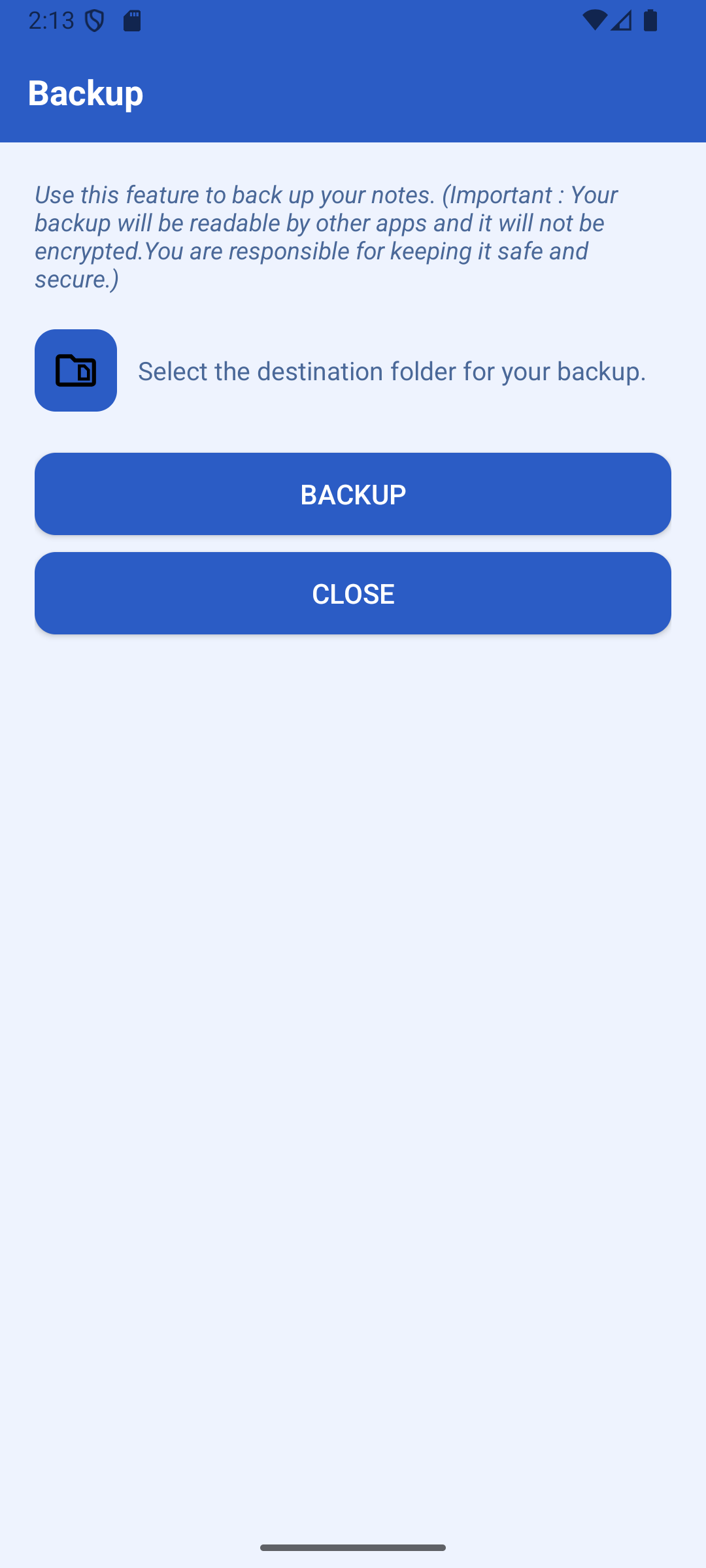
Notable stores notes on your device. You can move your notes off your device by making a backup — backups are created as a single zip file which you can copy anywhere: your cloud account, a USB drive, wherever you feel safe. Note: Notable does not back up automatically. Making backups is your responsibility.
Restore in seconds
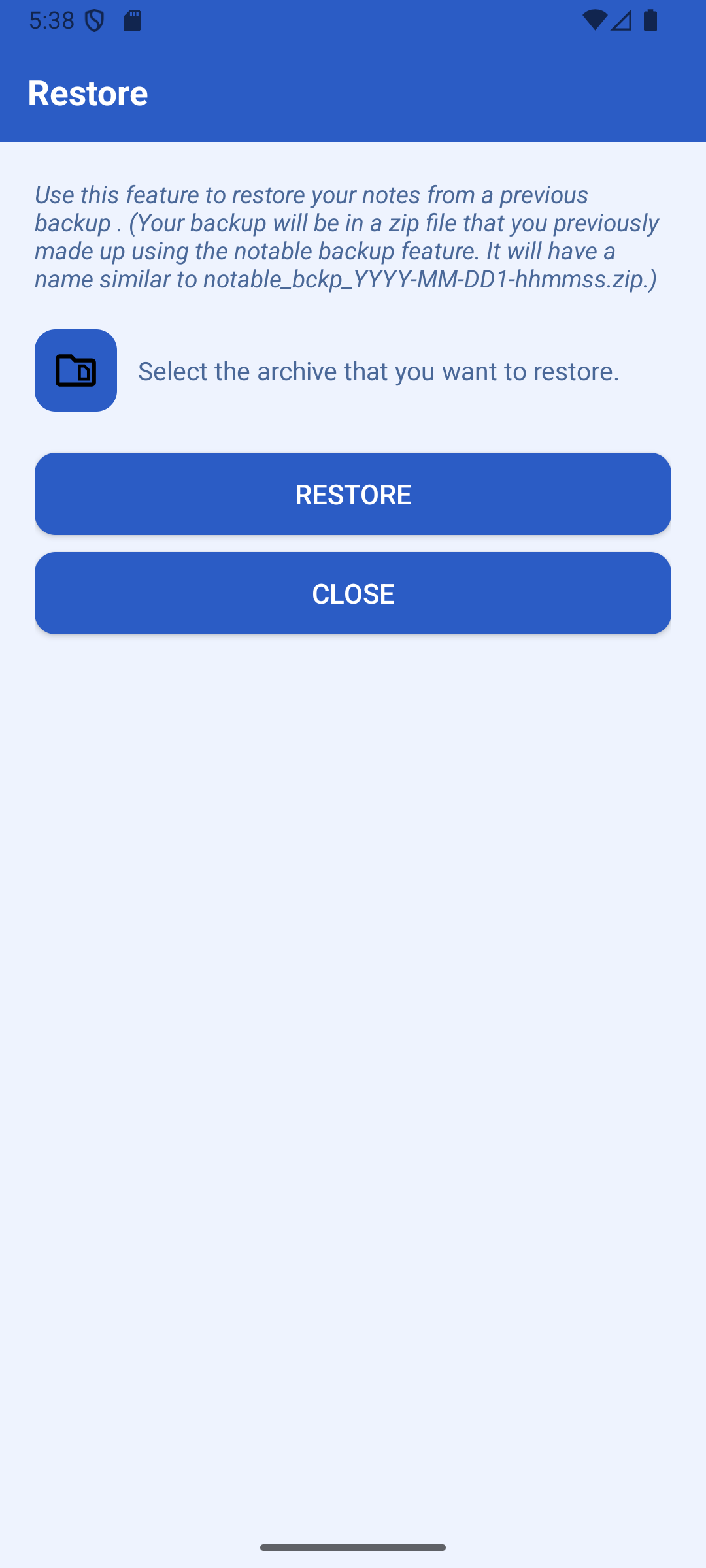
The zip file created by backup can be restored at a later date — for example when you get a new phone. Select your backup archive and Notable restores all your notes instantly. Seamless migration with no fuss.
Ready to get started?
Free, private note-taking for Android. No sign-up required.
download on Google Play